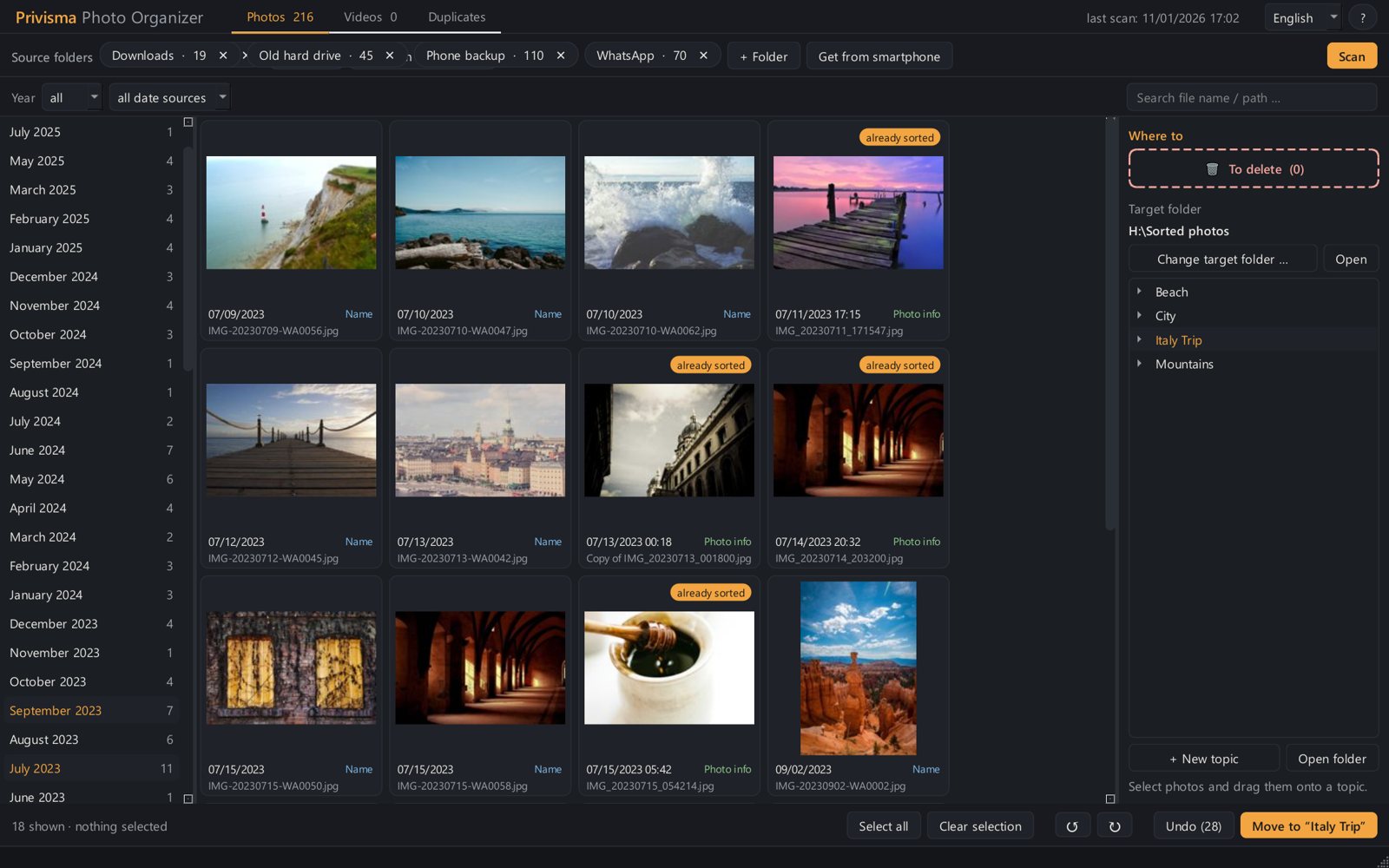
Scans on its own
Pick a folder – done. Every photo gets its capture date from the photo info that phones and cameras store invisibly. Like a label inside the picture.
For Windows 10 and 11
Thousands of pictures from your phone, WhatsApp and the old camera – sorted by date and topic, duplicates found, space saved. On your own computer, no cloud, no subscription.
Try it free with your own photos – full version 29 USD, one-time.
Deutsch · English · Español
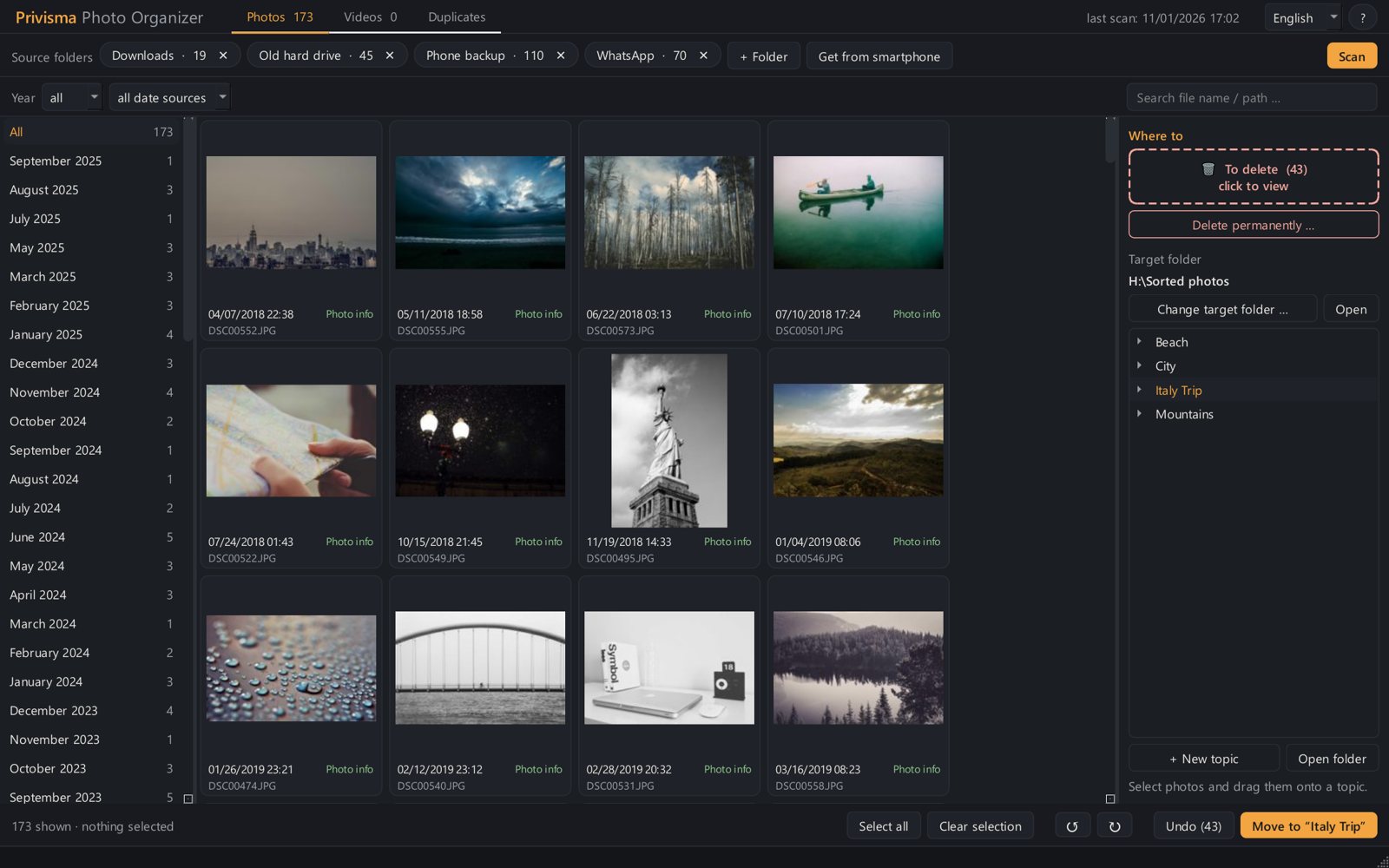
This is what most people's photo folder looks like. And this is after.
Before
After
No expertise needed. A short tour shows you every area the first time you start it.
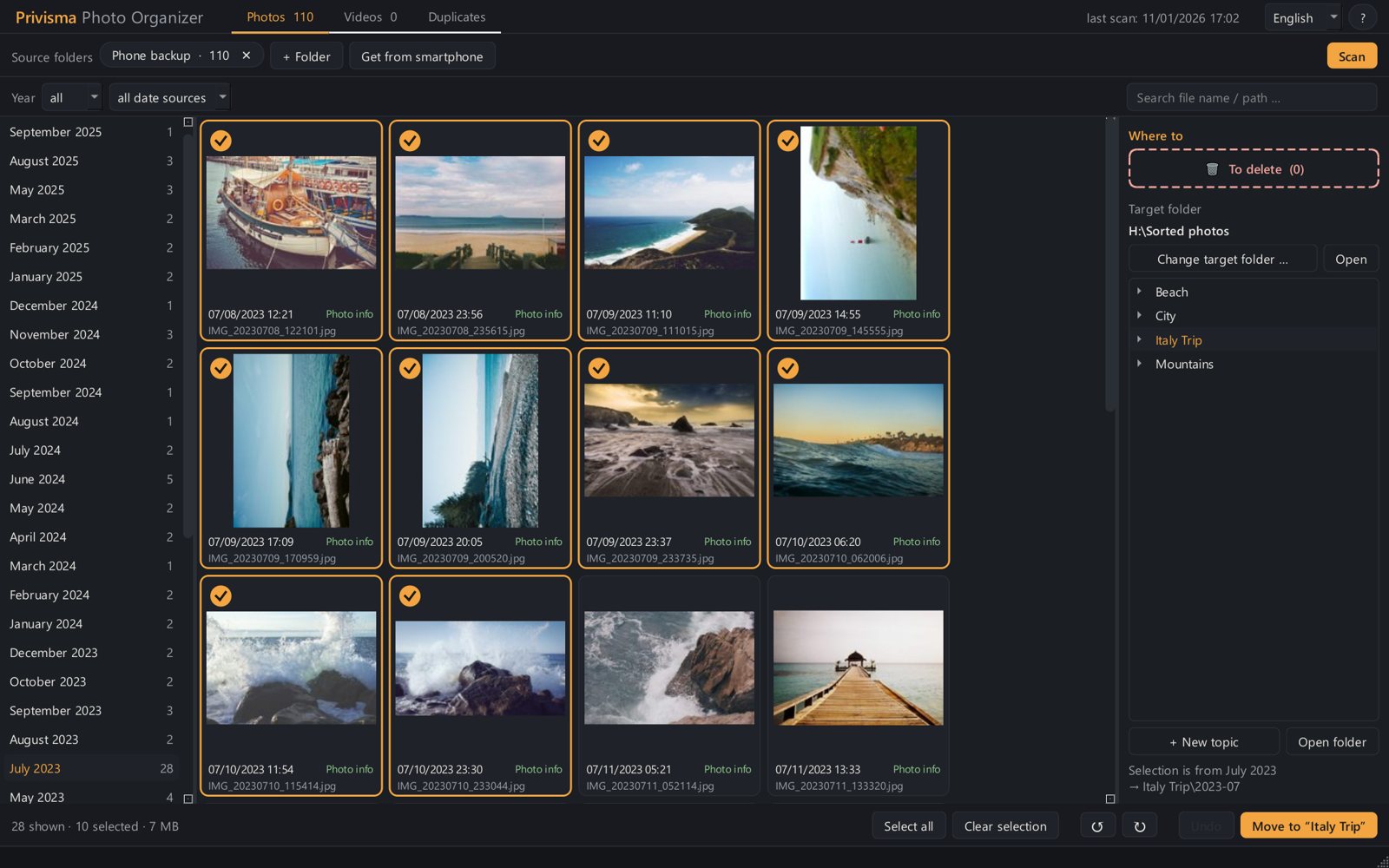
Plug in, add, done. Unplugged drives aren't forgotten – next time you pick up right where you left off.
Phone backup, WhatsApp, downloads – as many folders as you like.
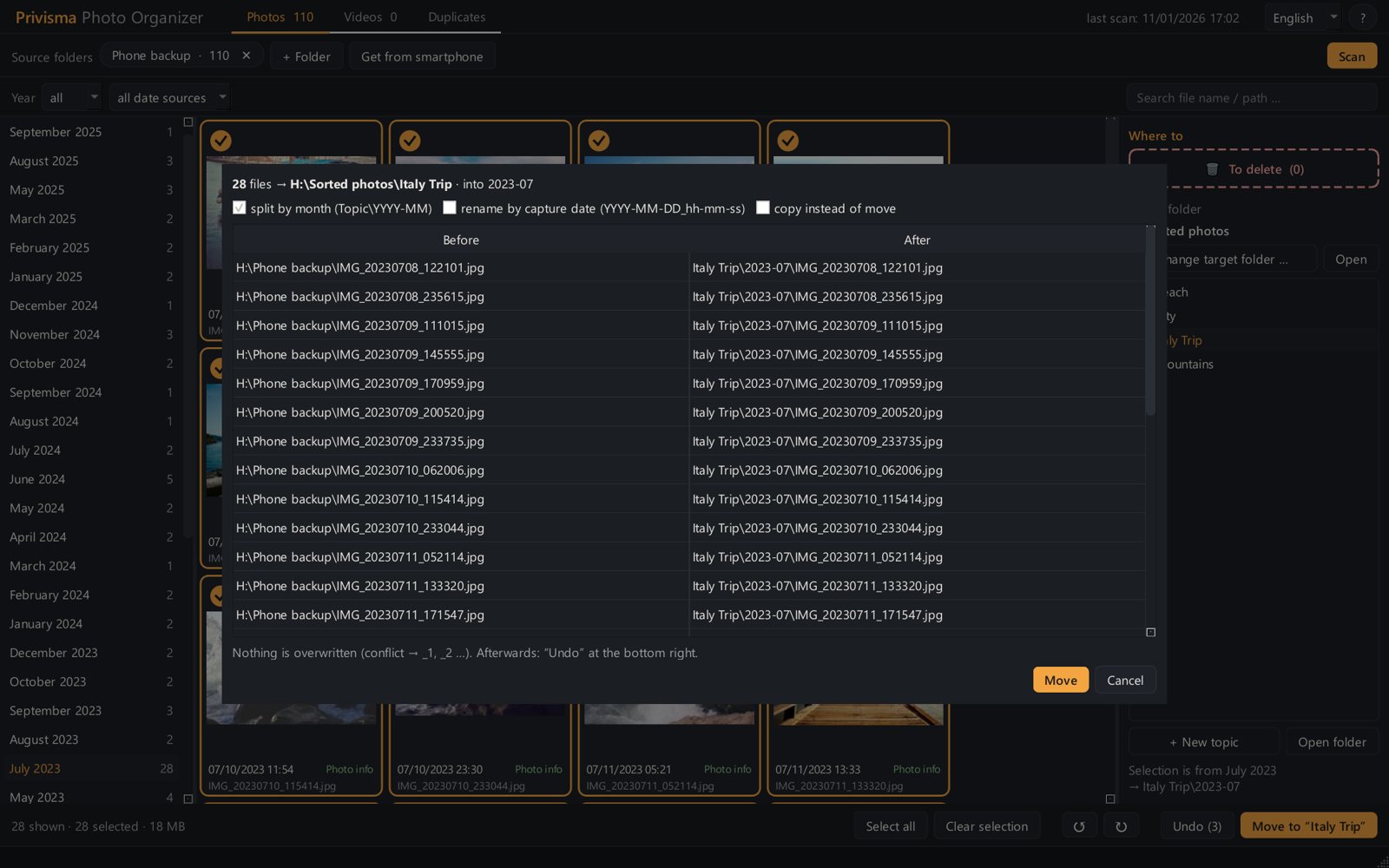
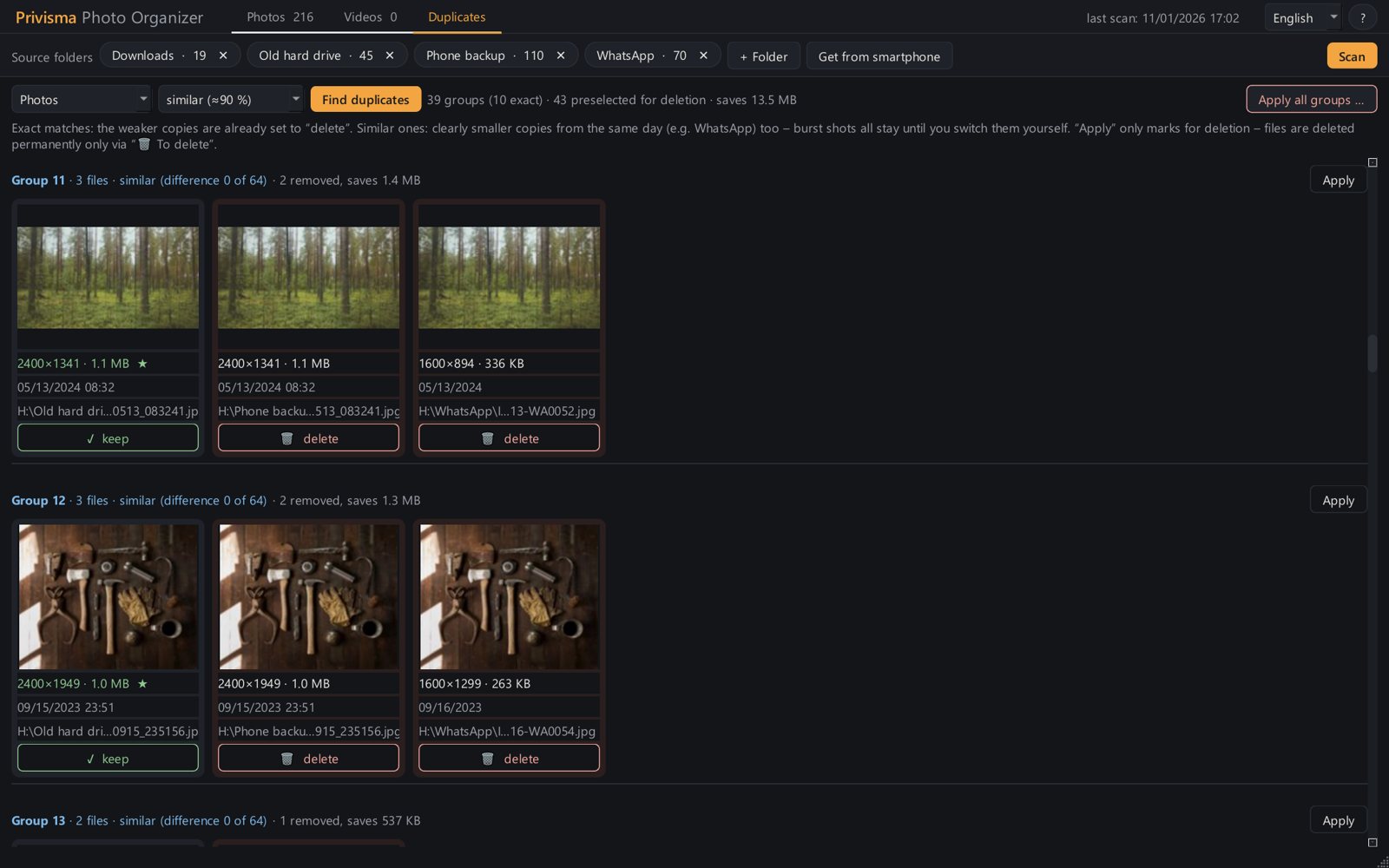
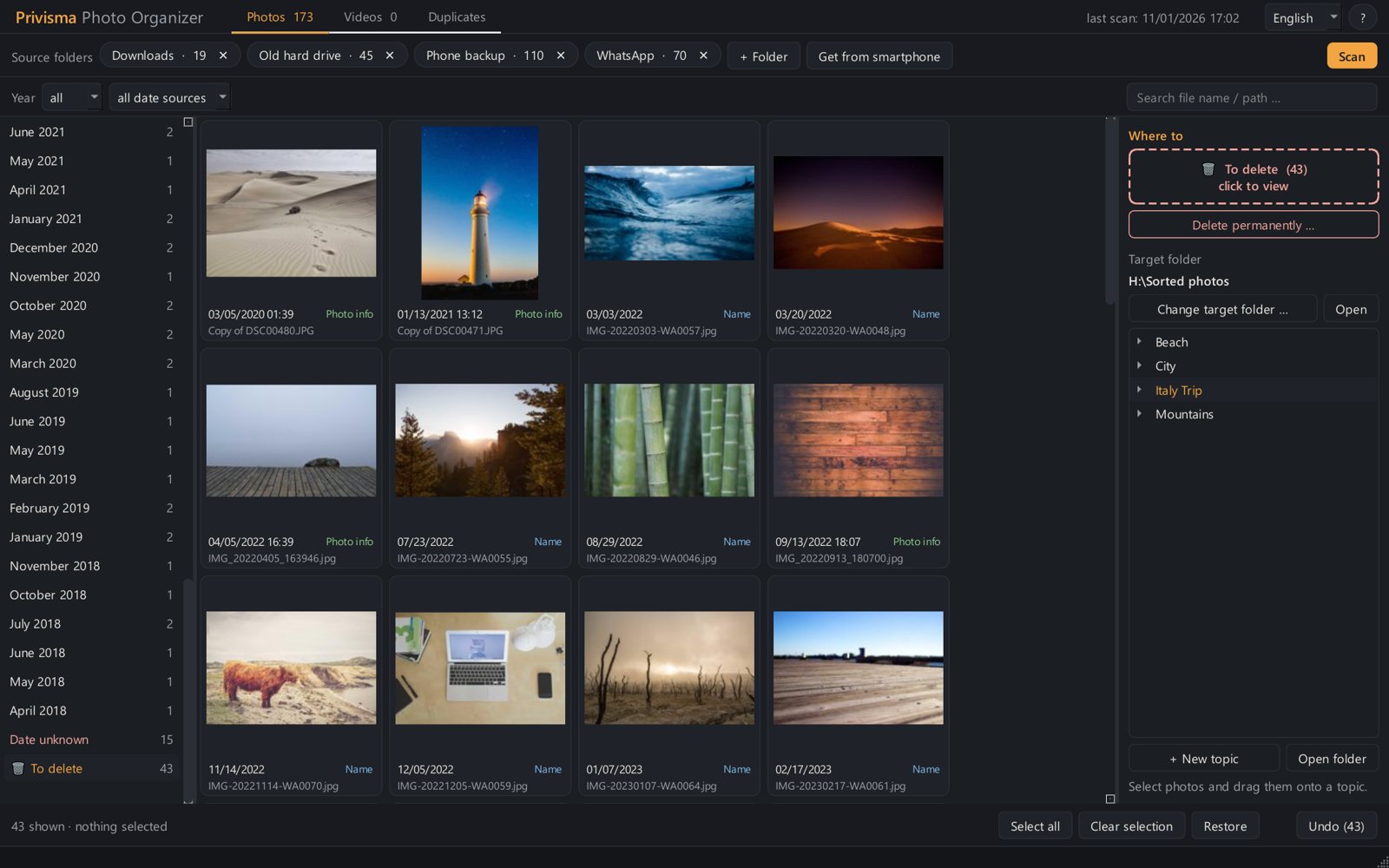
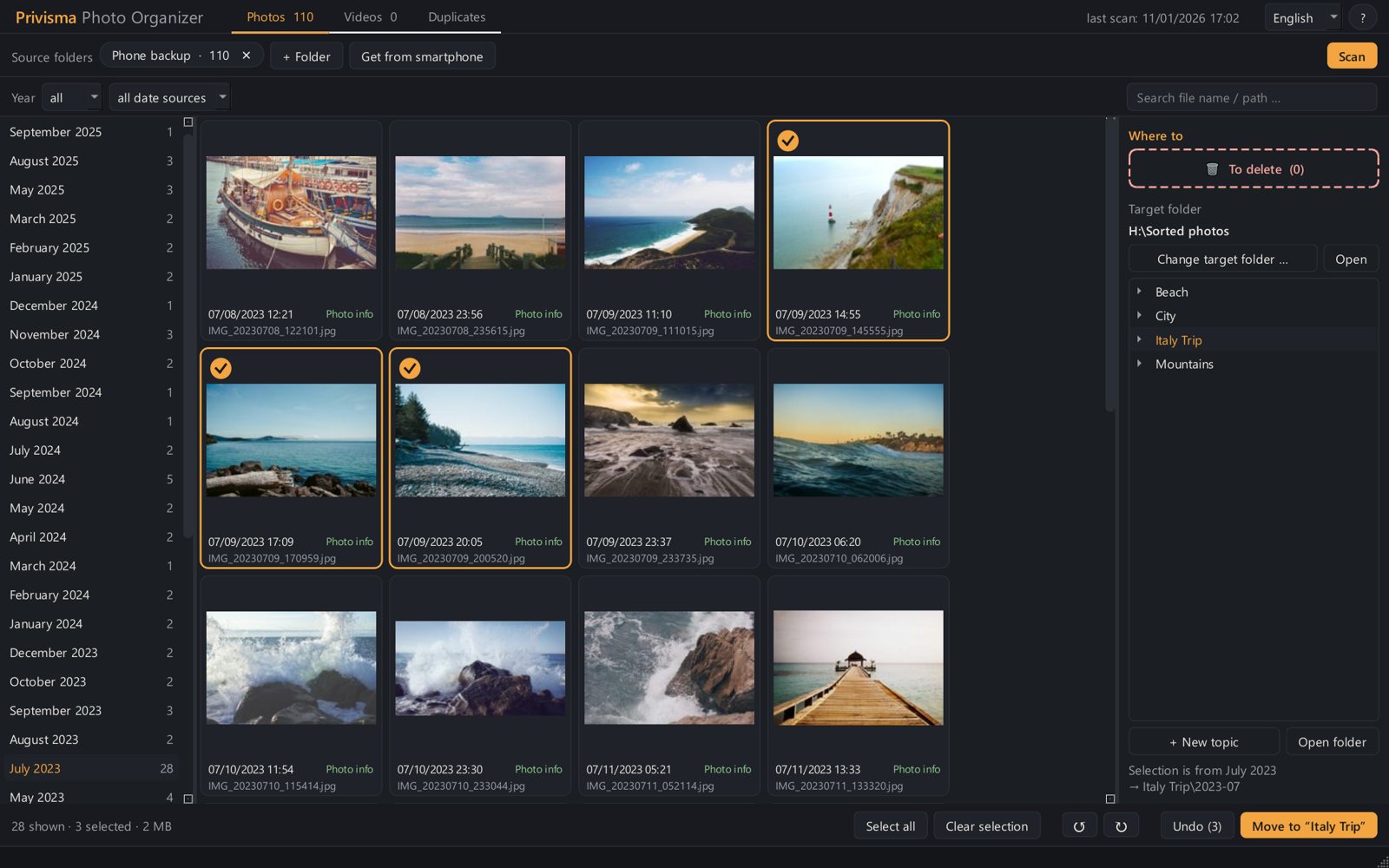
Everything arranged by month. Tick, rotate, weed out duplicates.
Drag into topic folders – with month folders inside if you like. Done.
See with your own photos how much order and space there is to gain – before you spend a cent.
Free version
0 USDno time limit
No account, no email address
Full version
29 USDone-time
✓ 30-day money-back guarantee – no conditions
The free version is the same program – if it runs on your PC, so does the full version.
Almost everything: scan, view and rotate photos and find duplicates – with no time limit. Only sorting and permanent deleting are limited to 100 files. The full version removes the limit, and everything you've done so far stays as it is.
Scanning changes nothing. Files are only moved after you agree – and every action can be undone.
No. Everything happens on your computer. There is no cloud and no user account.
Phones and cameras store the capture date invisibly inside the photo. If it's missing, as is often the case with WhatsApp pictures, the file name helps. Uncertain pictures are marked so you can check them.
Currently only on Windows 10 and 11.
Yes, network folders can be added just like normal folders.